Logistics Automation Beyond the Warehouse: Bookings, Tracking, Bills
Robots get the attention, but much of the delay in logistics sits in the office: booking carriers, chasing status updates and checking freight invoices. Where automation helps there, and where it stumbles.

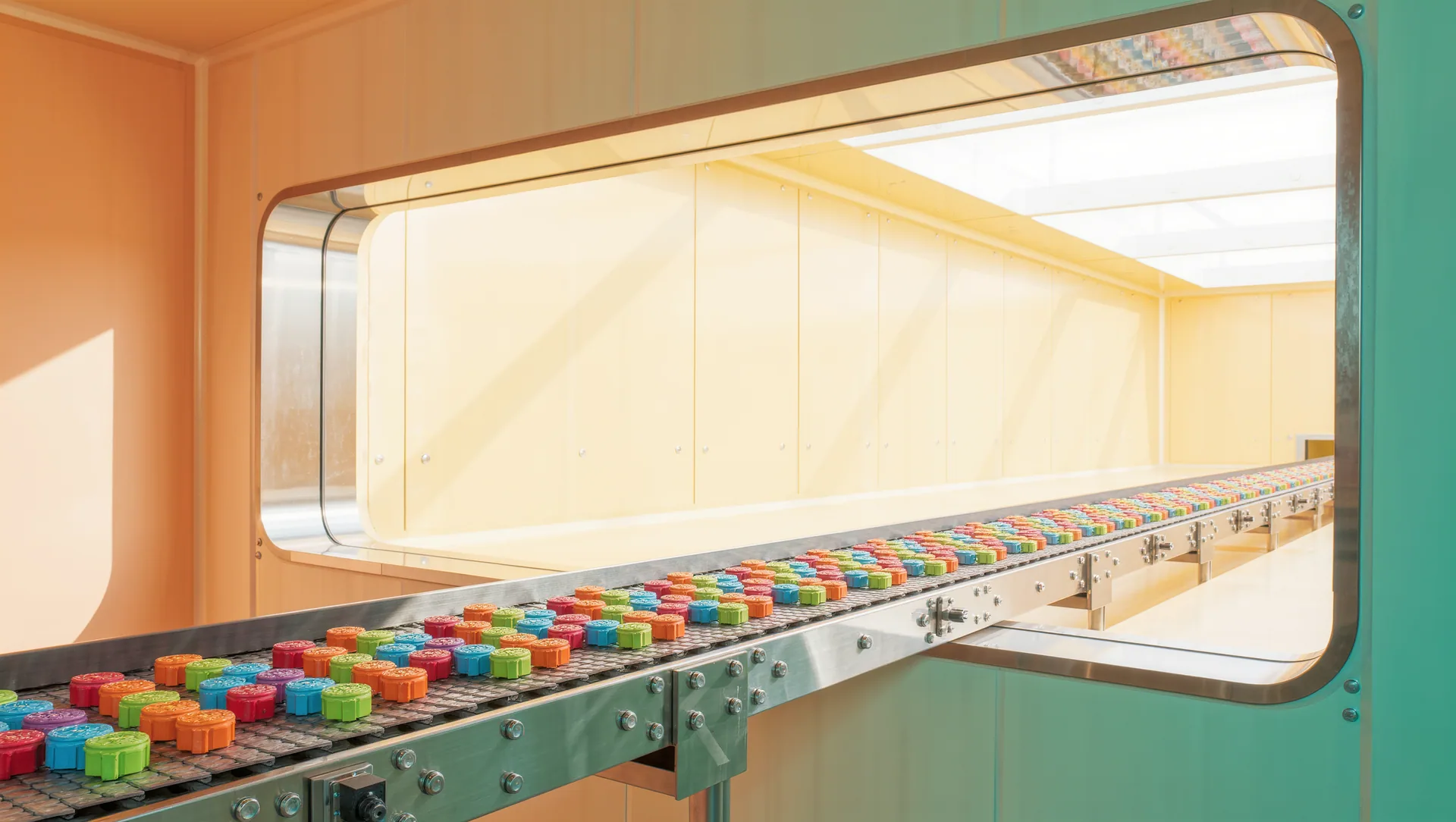
When people picture logistics automation, they see robots in a warehouse or conveyors sorting parcels. These systems matter, but they cover only part of the work. Every shipment also creates a trail of office tasks: booking a carrier, printing labels and documents, answering calls about late orders and checking the freight bill weeks later.
In many companies, these tasks still run on email, phone calls and spreadsheets. A mid-sized manufacturer may employ several people whose main job is moving information between its own systems and those of carriers, forwarders and customers. The work is repetitive, driven by deadlines and full of small errors.
This article looks at the administrative side of logistics. It covers which tasks lend themselves to automation, what data they need and where projects tend to fail.
Booking transport by rules
Choosing a carrier for each shipment often follows rules that live in someone's head. Pallets to one region go with one company, parcels with another, urgent goods by express. Prices depend on weight, distance and agreed rates.
A transport management system, or a well-configured module of the ERP software, can apply these rules automatically. It reads the order, calculates weight and volume, picks the carrier by rate and service level and sends the booking electronically. Planners then handle only the shipments that do not fit the rules.
The rules need care. Rates change, carriers drop routes and capacity runs short in peak season. A booking system with outdated rates simply makes wrong decisions faster. Someone must own the rate tables and update them whenever contracts change.
Some cases call for judgment rather than a fixed rule. A shipment that is cheap by road may be too slow when a customer's deadline is close. The system can show the options and their costs side by side. The rules should state who decides in such cases and how quickly.
Labels, documents and customs data
Each shipment needs paperwork: labels, delivery notes, consignment notes and, for cross-border trade, customs declarations and export documents. Much of this data already exists in the order. Typing it in again creates errors that surface later at a loading dock or a border.
Automation can generate documents directly from order data and send them to carriers and authorities in electronic form where this is accepted. The weak point is usually the master data. Wrong product weights, missing customs tariff codes or incomplete addresses spoil every document built from them.
Many logistics automation projects fail not at the robot or the software, but at a product weight someone entered wrong years ago.
A useful first project is to clean up this data: weights and dimensions, tariff codes, country of origin and standard delivery addresses. It is dull work, but every later automation depends on it.
Tracking: collecting signals from many sources
Customers expect to know where their goods are. To tell them, a company has to collect status updates from many carriers. Some send electronic messages in standard formats or through interfaces. Others offer only a web portal. Smaller carriers may report by email or by phone.
Tracking automation gathers these signals and turns them into a common set of events: picked up, in transit, out for delivery, delivered, delayed. This sounds simple. In reality, carriers use different codes for similar events, and some report late or not at all. Translating their codes into one shared set of events is the core of the work.
Once the events are clean, the system can notify customers, update expected arrival times and alert staff when a shipment stalls. Without this cleaning step, customers receive confusing or contradictory messages.
Exceptions and proof of delivery
The value of logistics automation often lies in how it handles problems. Most shipments arrive without trouble. The few that do not consume most of the staff's time. Typical cases can be handled by fixed routines.
- Late shipments: alert customer service before the customer calls, with the latest status attached.
- Damaged goods: collect photos and delivery notes in one case file for the claim.
- Failed deliveries: offer the recipient new dates or a pickup point automatically.
- Missing proof of delivery: request signatures or photos from the carrier when they do not arrive in time.
Electronic proof of delivery, captured on the driver's device, speeds up invoicing and reduces disputes. It works best when the carrier's system and the shipper's system exchange it directly instead of through scanned paper.
Checking freight invoices
Freight bills are a classic source of overpayment. Invoices may include surcharges that were never agreed, use wrong weights or bill the same shipment twice. Checking each invoice by hand is tedious, so many companies check only a sample or none at all.
An automated freight audit compares each invoice line with the booking, the agreed rate and the delivery record. Matching invoices are approved. Deviations go to a person with the evidence attached. This works only if bookings and rates are recorded cleanly from the start, which links this step back to the earlier ones.
Audit results are useful beyond the money they recover. Repeated deviations from one carrier point to problems in its billing or in the shipper's own booking data. Over time, they also give purchasing a factual basis for the next round of rate negotiations.
Where to begin
A sensible start is the task that causes the most manual work or the most complaints today. For one company, that is answering status calls. For another, it is retyping customs data. Measuring the current effort, even roughly, makes it possible to compare results later.
Logistics automation away from the warehouse floor rarely makes headlines. It tends to pay off with modest investment, though, because the steps follow rules and most of the data already exists. Companies that tidy their master data and define clear events and rules also lay the ground for more advanced tools later, from demand forecasting to dynamic route planning.
Questions and answers
Which parts of logistics can be automated besides the warehouse?
Transport booking, shipping documents, customs data, status tracking, exception handling and freight invoice checks are common candidates. These tasks follow clear rules and use data that usually exists already. Automating them reduces retyping and phone calls.
What is a transport management system?
It is software that plans, books and tracks shipments. It chooses carriers based on rules and rates, sends bookings electronically and collects status updates. Some companies use a dedicated system, others use modules within their ERP software.
Why is shipment tracking hard to automate?
Status updates come from many carriers in different formats, codes and levels of reliability. The work lies in collecting them and translating them into a common set of events. Without this step, customers may see confusing or contradictory information.
What is a freight audit?
It is the check of carrier invoices against bookings, agreed rates and delivery records. An automated audit approves matching invoices and flags deviations for a person to review. It helps catch duplicate charges and surcharges that were never agreed.
Where should a company start with logistics automation?
Start with the task that causes the most manual work or complaints today, and measure its current effort. Cleaning master data such as product weights, tariff codes and addresses is often a necessary first step. It supports every automation that follows.
More from Automation
All 142 stories
Automation5 min read
Silent Failures: Monitoring Automations That Break Without an Error
The costliest automation failures raise no alarm. A job never starts, a file arrives empty, a run ends with zero records. How to watch for what should have happened, and…
Automation5 min read
Driverless Metros Came First: Automation in Rail and Public Transit
Long before robotaxis, some metro lines ran without drivers, while signal boxes, timetables and control rooms were automated step by step. What rail automation does, and…

Automation5 min read
Test Automation: Deciding Which Tests Machines Should Run
Turning every manual test script into code produces a slow, fragile suite. How to pick the checks worth automating, at which level to run them, and what testers still do…