
Robot Arms in the Design Studio: From Digital Model to Made Object
Architects, furniture makers and product designers now use industrial robot arms to mill, print, bend and stack. The machine changes what can be made, and also how designers have to think.

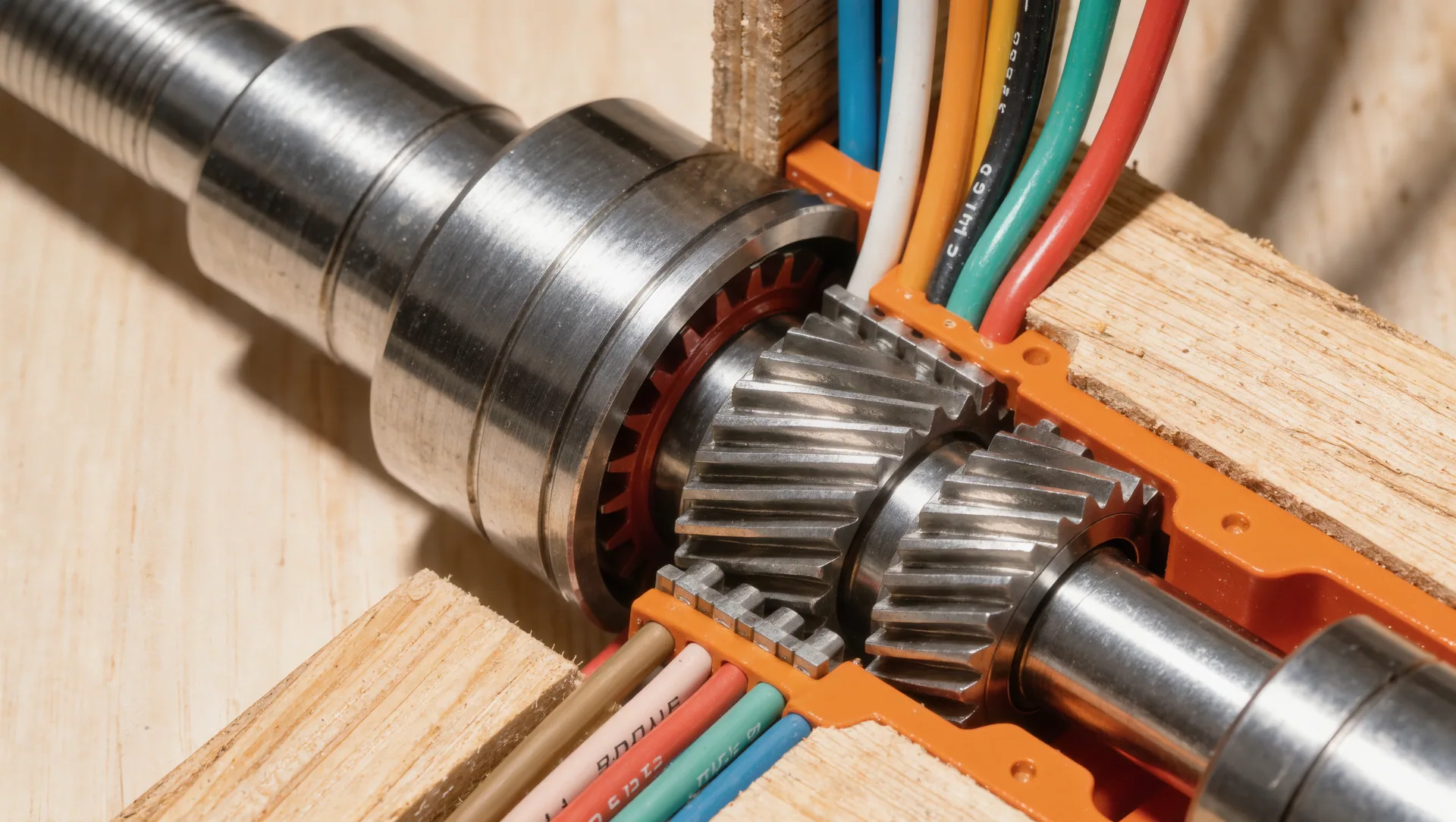
In car plants, robot arms have welded and painted bodies for decades. For most of that time, designers had little to do with them. The arm belonged to production engineers, and it repeated the same motion thousands of times a day. Over the past two decades, that has slowly changed. Architecture schools, furniture workshops and design studios have bought the same kind of arm and put it to very different use.
In a design studio, the robot rarely repeats itself. It mills a single curved mold, prints a concrete column, bends a set of steel rods that are all slightly different or stacks bricks into a wall with a pattern no mason would attempt by hand. The appeal lies in making one-off objects that follow a digital model exactly.
This article looks at what robot arms change for designers, which kinds of work they suit and what a studio should expect before buying one. It is less about factories and more about what happens when the machine becomes part of the creative process.
One arm, many tools
A standard industrial arm has six axes. That lets it position a tool almost anywhere within its reach and at almost any angle. Unlike a milling machine or a 3D printer, it is not built for one task. What it does depends on the tool mounted at the end of the arm.
Common tools in design work include:
- Milling spindles for carving foam, wood or stone into molds and sculptural forms.
- Hot-wire and hot-blade cutters that slice foam into curved shapes for formwork.
- Extruders that print with plastic, clay or concrete, often at the scale of furniture or building parts.
- Grippers for picking and placing bricks, timber pieces or tiles in precise patterns.
- Bending tools for rods, tubes and sheet metal.
Because the arm can tilt its tool, it can work on surfaces that a three-axis machine cannot reach without repositioning the part. That matters for undercuts, double curves and large objects that would never fit inside a machine enclosure.
The robot's path becomes part of the design
Working with a robot changes how designers describe their work. A drawing is not enough. The robot needs a toolpath: a sequence of positions, angles and speeds. Many studios therefore design with parametric tools, in which a form is defined by rules and variables rather than drawn line by line. A change to one parameter updates both the geometry and the robot's motion.
This creates a close link between idea and making. A designer can test how a wall pattern looks and, in the same model, check whether the robot can actually reach every brick. Visual add-ons for common design software let users simulate the arm's movements before anything moves in the workshop. Collisions, unreachable positions and awkward joint angles show up on screen first.
The marks of the process also become visible. Layer lines from printing, tool traces from milling or the rhythm of stacked elements often stay on the finished object. Many designers treat them as part of the look rather than as flaws to sand away.
With a robot arm, the question shifts from how to draw a shape to how to describe the movement that makes it.
What it suits and what it does not
Robotic fabrication shines where every part is different. Facade panels with changing curvature, custom joints for a timber pavilion, a mold for a one-off concrete bench or a chair whose legs adapt to a sloping floor are all good examples. Producing such parts by hand would be slow and error-prone. Making a separate factory mold for each one would be expensive.
For simple, repeated parts, the picture changes. A standard milling machine, a laser cutter or a commercial 3D printer is often faster, more precise and cheaper to run. Industrial arms repeat a motion very consistently, but their absolute accuracy across a large workspace is lower than that of a rigid machine tool. Heavy cutting forces can also make them flex. Many studios therefore combine both kinds of equipment.
Materials bring their own surprises. Clay slumps, concrete sets at a pace that depends on temperature, and timber moves with humidity. Much of the real work lies in testing how a material behaves under a given tool and speed. That knowledge is rarely found in any manual.
What a robot cell really costs
The arm itself is often not the largest expense. Second-hand industrial robots are widely available, and smaller models have become more affordable. The costs that add up sit elsewhere.
A robot cell needs safety measures, such as fences, light curtains or area scanners, and these must meet machinery safety rules. Spindles and extruders have to be bought or built. Software licenses, a solid floor, power supply and dust extraction add more. The largest cost is usually people. Someone has to program, maintain and supervise the robot, and that skill takes time to build.
Collaborative robots, designed to work near people with limited force and speed, lower some of the safety demands. They suit light tasks such as small-scale printing or assembly. They lack the strength and reach needed for heavy milling, though.
Where design robotics is heading
Several trends point to wider use. Design software and robot programming are moving closer together, so fewer specialists are needed to get from model to motion. Sensors let robots measure the material in front of them and adjust the path, for example when a timber beam is slightly bent. Construction firms are testing robots on building sites, not only in workshops.
Education plays a part too. Many architecture and design programs now teach robotic fabrication alongside drawing and model making. Graduates arrive expecting that a digital model can be built directly. For studios, the useful question is no longer whether to use robots. It is which projects truly benefit from them and which are better made with simpler tools.
Questions and answers
Do designers need to learn programming to use a robot arm?
Basic programming helps, but many studios use visual tools inside common design software that generate robot code from a model. Someone on the team still needs to understand the robot's controls, safety rules and limits. Complex projects usually involve a specialist.
Is a robot arm better than a CNC machine for design work?
Not in general. A CNC machine is often more precise and efficient for flat or simple parts. A robot arm offers more freedom of movement and a larger, more flexible workspace, which suits complex one-off shapes.
Can a small studio afford robotic fabrication?
Used industrial arms and smaller models have lowered the entry price, but tools, safety equipment, software and training add up quickly. Some studios start by renting time at a university lab or a shared fabrication workshop. That way they can test whether their projects really need a robot.
Are robot arms safe to use in a studio?
Industrial arms are powerful and must run inside guarded areas that follow machinery safety rules. Collaborative robots can work closer to people, but only with suitable tools and a proper risk assessment. Training for everyone who enters the workspace is essential.
What materials can a robot arm work with?
Almost any material, depending on the tool: foam, wood, stone, clay, concrete, plastics and metals. Each material needs testing to find suitable speeds and tool settings. The arm's stiffness and strength limit how hard a material it can cut.
More from Robotics
All 115 stories
Robotics6 min read
Packaging Robots: Why the Format Change Matters More Than Speed
A packaging robot that runs fast on one product is easy to buy. One that switches sizes, materials and pack counts without losing half a shift is harder to find, and…
Robotics5 min read
Designing Robot Programs in Software: The Gaps Simulation Misses
Simulation and offline programming let engineers plan robot work on a computer, from toolpath to collision check. The trouble starts when the program meets a real cell…

Robotics4 min read
First Robot in a Small Factory: How to Find the Right Job
Many small manufacturers sense that a robot could help but do not know where to start. How to walk the shop floor, compare candidate tasks and pick a first job that is…